 WALKTHRU LABS
Case study · Custom home building
The build command center.
The problem
A custom home is a year of decisions, and most builders run that year across text threads, spreadsheets, voicemails, and a binder in the truck. The tools built for this — the BuilderTrends of the world — are priced and designed for production builders, and the crews who are supposed to use them mostly don't.
Meanwhile the homeowner, who is spending more money than they've ever spent on anything, gets their project status by calling and asking. Every builder we talked to had the same two complaints: too many tools, and too many "where are we?" calls.
What we built
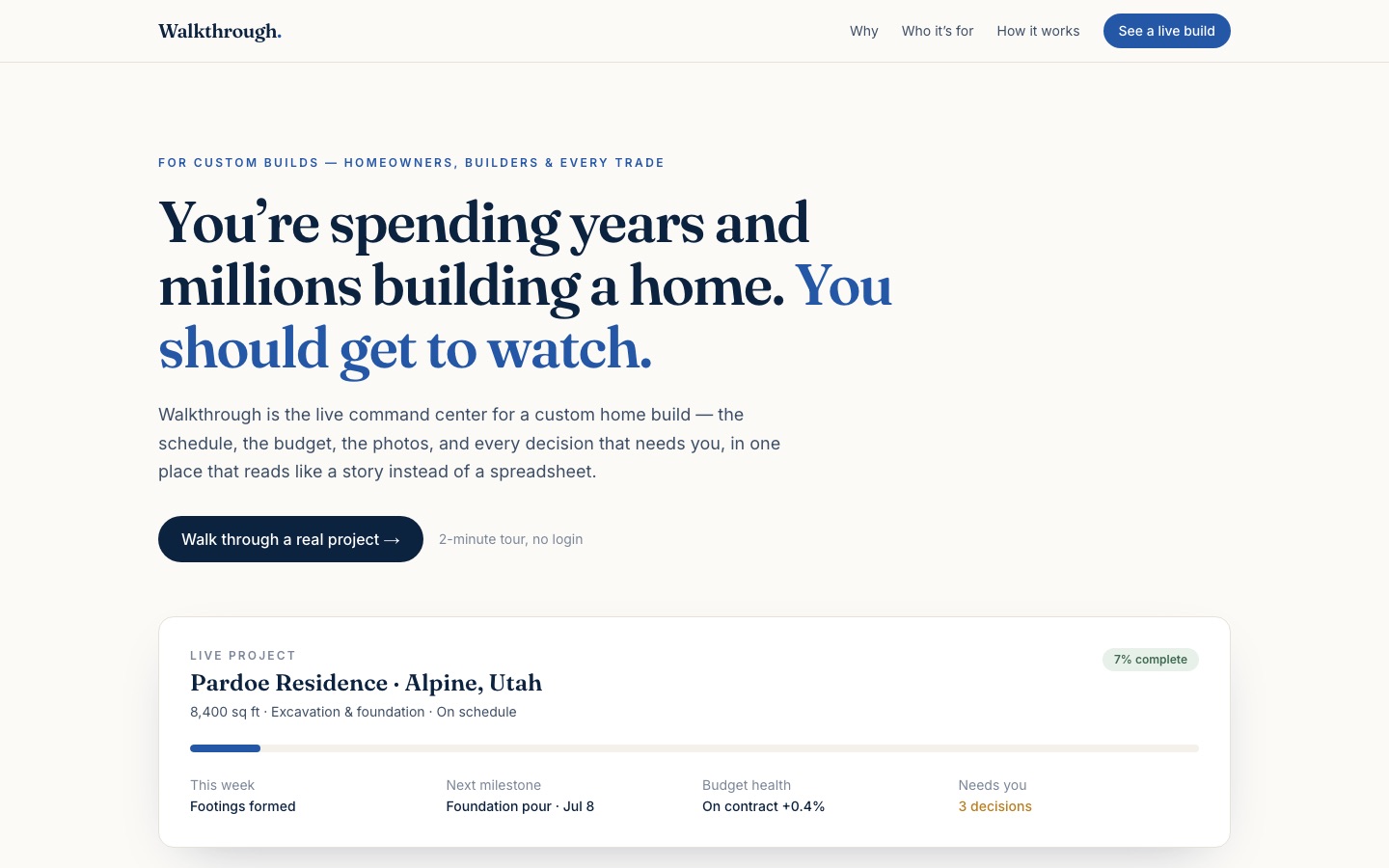
Walkthrough is a command center for the build. Selections, budgets, schedules, and documents live in one place, organized the way builders actually think: by home, by phase, by decision. The builder gets a workspace; the client gets a clean, beautiful view of their own build — what's decided, what's next, what it costs.
Every home gets a shareable link. That link is the entire client experience: no logins to forget, no app to install, nothing to train. The client stops calling because the answer is always one refresh away.
The "where are we?" call didn't get faster. It disappeared.
Where it stands
Walkthrough is live at walkthrough.build with working builder workspaces and public demo homes you can click through right now. It's the flagship of the Walkthru Labs family — the product our name comes from.